To access events at the correct times, make sure to update your time zone.
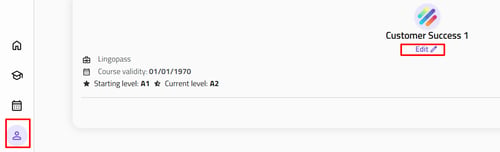
- Click on “profile” in the left sidebar.
- Click on “edit profile”.
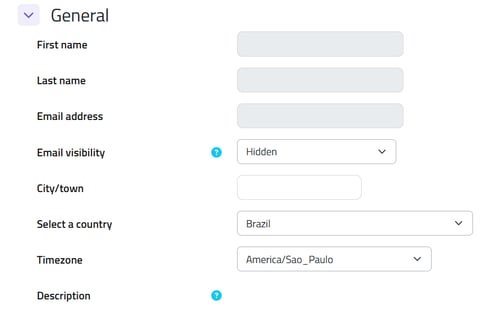
- Select your country and time zone, then click on "update profile".
![logo1.png]](https://centraldeajuda.lingopass.com.br/hs-fs/hubfs/logo1.png?height=40&name=logo1.png)
To access events at the correct times, make sure to update your time zone.